Network diagram tips

Network diagram tips: 18 rules for drawings that stay true

Rules that hold for any network, from a small office to a school district, a store chain, a bank or a plant. Each comes with the reason behind it, and many with an example from one of the ten sample sites in the series. Print them, argue about them, then fix one this week.

Every rule works by hand. If you keep your network in NetBox, even the free edition, the free NetDiagrams tool draws them for you.

Want to see whole drawings first? Browse network diagram examples and templates from ten industries, or read what network segmentation is and how to draw it.

The page

Rule 1

Date, source and check every diagram

A diagram is a promise about the network: date it, source it and check it, or it is only a picture.

An undated drawing can't tell the reader whether it shows this year's network or the one from before the last refresh. Put a date, a revision and the source of record in the title block, and re-check it on a schedule.
Rule 2

Draw one page per audience

One page per audience. Nobody needs every fact; everybody needs their facts.

The owner, the auditor, the outside vendor and the technician on call each ask different questions. A set of pages that share one skeleton answers all of them; one crowded page answers none of them.

Rule 3

Write the overview in the owner's words

The overview says what is protected, what connects and what is changing, in words the person in charge uses.

The plant manager, the principal, the branch manager or the general manager signs the insurance questionnaire, and none of them reads VLAN IDs. Name the zones in plain words, show where outsiders can and can't reach, and keep the technical detail for the pages behind it.

Example from Book 2, education →

Rule 4

Stack zones in order of trust

Stack zones in the same order on every page, most trusted and most sensitive at one end, outsiders at the other.

When every page uses the same order, a reader finds a system at the same height on every sheet. Use the order your industry already speaks: Purdue levels in a plant, the cardholder data environment in a store, the teller line and wire room in a bank. Give the DMZ its own band, because that is where outside traffic is supposed to stop.

Example from Book 7, local government → · Read the free zones chapter for your industry

Rule 5

Put every subnet in exactly one zone

Every routed subnet in exactly one zone, with its gateway and VRF. Boundaries are devices, drawn across the line.

A subnet that sits in two zones, or in none, is a segmentation question nobody has answered. Draw the firewall or router that separates zones on the boundary itself, so the reader can see what guards each edge.

Example from Book 4, retail →

The hardware

Rule 6

Label every link like the real cable

Every drawn link carries the label on the real cable, its speed and its trunked VLANs.

If the label on the drawing matches the label on the cable, a technician can trace a fault without a flashlight and a guess. Speed and trunked VLANs on the link answer the next two questions before anyone asks.

Example from Book 10, car dealerships →

Rule 7

Record the media, not just "fiber"

"Fiber" is not a media type. Record the media, the optic and the patch port.

Single-mode or multimode, which optic, and which patch panel port decide whether a spare in the drawer will work. Write them down once, on the faceplate view, and nobody has to pull the optic to find out.

Example from Book 1, manufacturing →

Rule 8

Draw every member of every pair, stack and ring

Draw every member of every pair, stack and ring, so the failure mode is visible before 3 a.m.

A single box labeled "core" hides the question that matters during an outage: what still works when one member fails? Draw both firewalls, every stack member and the whole ring, then sketch what happens when each one breaks.

Example from Book 5, offices →

Rule 9

Give every SSID a VLAN and a zone

Every SSID has a VLAN and a zone. Every radio bridge is drawn as a radio bridge.

Wireless is where segmentation quietly leaks, because an SSID looks like a cloud on most drawings. Guest, staff, student, handheld and payment SSIDs each belong to one zone. Tie each to its VLAN, and draw point-to-point bridges as links with two ends.

Example from Book 9, corporate hq and multi-site →

The traffic

Rule 10

Draw flows from initiator to responder

Draw flows from initiator to responder, and draw the important denials, not just the permits.

Direction decides the firewall rule, so an arrow without a direction is half an answer. Showing the paths you deliberately block, such as guest Wi-Fi to the payment terminals or the internet straight to the controllers, tells the reader the design was intentional.

Example from Book 3, warehousing and logistics →

Rule 11

Answer every pair of zones in the register

Every pair of zones gets an answer in the register. Silence is not a policy.

A flow register lists each permitted conversation with its source, destination, port and reason. A zone matrix then answers every pair, including "denied", so an auditor never has to infer intent from a missing row.

Example from Book 6, banks and credit unions → · Read the free flow register chapter

Rule 12

Use one standard at every site

One standard and one naming pattern at every site, with consistent site prefixes. Circuits are lines with IDs, not clouds.

When every store, school, branch or plant is drawn and named the same way, an engineer who knows one site can read them all. Give WAN circuits their IDs on the drawing so the carrier ticket and the diagram point at the same line.

Example from Book 3, warehousing and logistics →

The upkeep

Rule 13

Keep facts in the source of record

Facts live in the source of record. The drawing reads them; it doesn't remember them.

IP addresses typed into shapes go stale the first time someone changes a device. Keep devices, cables and VLANs in a source of record such as NetBox, and let the drawing be a view of it.

Example from Book 1, manufacturing → · Draw from NetBox with the free tool

Rule 14

Measure drift on a schedule

Drift is normal. Measure it on a schedule and turn each difference into a fix.

Every drawing drifts from the network; the question is whether you find out before an auditor does. Compare the drawing with the source of record on a fixed day each month and treat each difference as a ticket.

Rule 15

Share the view, not the secrets

Share the view the reader needs. Hide management IPs, circuit IDs and VLAN tables before it leaves the building.

A vendor needs to know where their system plugs in, not your management addressing. Keep sensitive detail on layers you can hide, and check what's visible before a drawing goes outside.

Rule 16

Start this week with zones and cables

An imperfect drawing this week beats a perfect one next year. Start with zones and cables.

Zones and cables answer most of the questions people actually ask. Draw those first, from a walkdown if you have to, and let the rest of the detail follow.

Get the free data collection worksheets

Rule 17

Draw what you have, mark what you don't

Draw what you have. Mark what you don't. Keep the plan to fix it on the page.

A gap you mark is a task; a gap you hide is a surprise. Draw unknown links dashed, note who can answer each question, and keep the list of gaps on the drawing until it's empty.

Get the free data collection worksheets

Rule 18

Compare the register with the firewall

The register says what should happen. The firewall decides what does. Compare them.

A flow register is a statement of intent. Check it against the firewall rules that are actually loaded, because a rule nobody remembers adding is still a rule.

Test any drawing

Five questions to ask any network diagram

  1. Which zone is this in?
  2. Who routes it?
  3. Which device guards its edge?
  4. When was this checked?
  5. Where is the record?

If the drawing can't answer, the drawing has work to do. Score your diagram for the 20-question version.

The long version

Every rule, worked through for your kind of site

Each book takes these rules through one industry's zones, systems and auditors, with a full sample site, worked examples and the mistakes to avoid.

Cover: Draw Secure Manufacturing Network Diagrams

BOOK 1 · MANUFACTURING

Draw Secure Manufacturing Network Diagrams

From Plant Floor to Purdue Model

Purdue levels, IDMZ, cell/area zones and conduits, rings and HA pairs, drawn so the auditor and the night shift read the same page.

349 pages · $39

Cover: Draw Secure School Network Diagrams

BOOK 2 · EDUCATION

Draw Secure School Network Diagrams

From Classroom to Campus Network

Staff, student, guest and building systems zones, Wi-Fi for thousands of Chromebooks, and the district WAN.

409 pages · $39

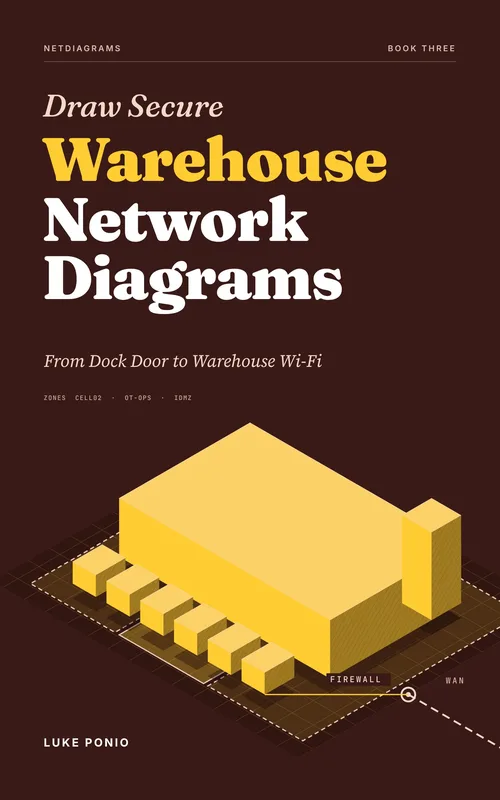
Cover: Draw Secure Warehouse Network Diagrams

BOOK 3 · WAREHOUSING AND LOGISTICS

Draw Secure Warehouse Network Diagrams

From Dock Door to Warehouse Wi-Fi

Conveyors, sorters, handhelds and AGVs, heavy Wi-Fi, and the dock, carrier and client connections.

387 pages · $39

Cover: Draw Secure Retail Network Diagrams

BOOK 4 · RETAIL

Draw Secure Retail Network Diagrams

From Point of Sale to PCI Segmentation

Cardholder data segmentation, POS, guest Wi-Fi and store IoT, from three stores to three hundred.

387 pages · $39

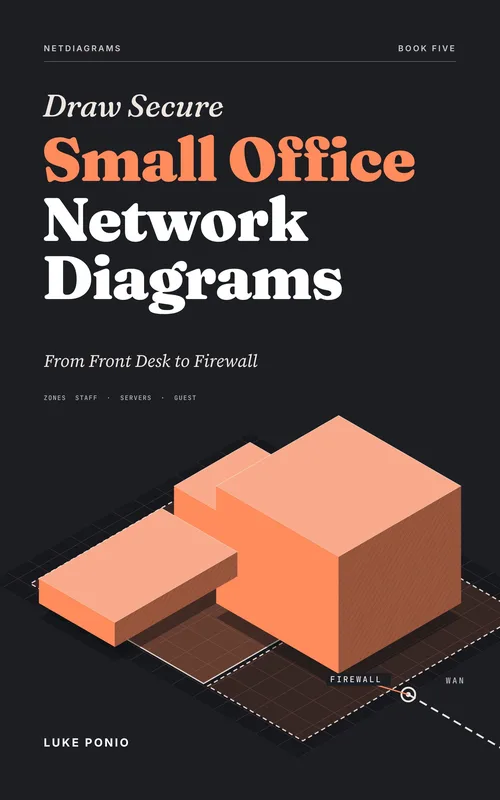
Cover: Draw Secure Small Office Network Diagrams

BOOK 5 · OFFICES

Draw Secure Small Office Network Diagrams

From Front Desk to Firewall

One firewall in the middle, MSP access, cloud and remote work, and branches, drawn for the insurer's questionnaire and the next MSP.

389 pages · $39

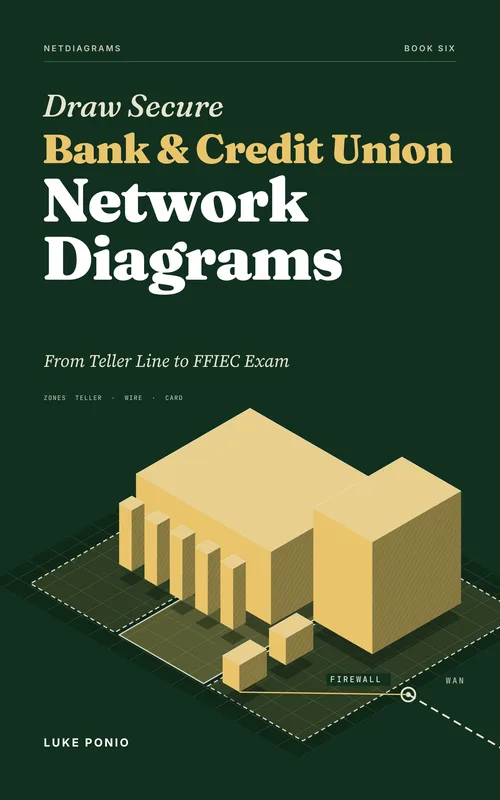
Cover: Draw Secure Bank and Credit Union Network Diagrams

BOOK 6 · BANKS AND CREDIT UNIONS

Draw Secure Bank and Credit Union Network Diagrams

From Teller Line to FFIEC Exam

Teller, wire room and card zones, the core processor's router, ATMs and alarm boxes, and branches, drawn for the examiner's request list.

376 pages · $39

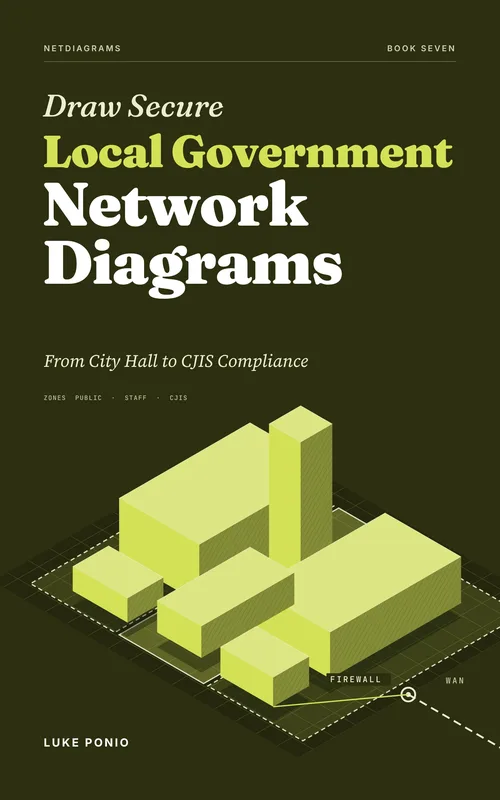
Cover: Draw Secure Local Government Network Diagrams

BOOK 7 · LOCAL GOVERNMENT

Draw Secure Local Government Network Diagrams

From City Hall to CJIS Compliance

City hall, the police wing and CJIS, public Wi-Fi at the library and parks, closets in buildings you don't control, and water systems drawn as a boundary.

399 pages · $39

Cover: Draw Secure Hotel Network Diagrams

BOOK 8 · HOTELS AND HOSPITALITY

Draw Secure Hotel Network Diagrams

From Guest Room to Boiler Room

Front desk, restaurant and spa payments, guest and conference Wi-Fi, door locks and building systems, and the owner, brand and management company split.

381 pages · $39

Cover: Draw Secure Corporate Network Diagrams

BOOK 9 · CORPORATE HQ AND MULTI-SITE

Draw Secure Corporate Network Diagrams

From Campus Core to Branch WAN

VRFs and internal firewalls, campus fiber and risers, the data center, SD-WAN branches, and a chapter on law firms and the ethical wall.

385 pages · $39

Cover: Draw Secure Car Dealership Network Diagrams

BOOK 10 · CAR DEALERSHIPS

Draw Secure Car Dealership Network Diagrams

From Showroom to FTC Safeguards Rule

F&I and the credit file, the DMS outside your walls, shop diagnostic tools, lounge and lot Wi-Fi, and more rooftops, drawn for the FTC Safeguards Rule.

409 pages · $39