Free and open source · Apache-2.0
Network diagrams from NetBox
NetDiagrams fills an 11-page draw.io network standard with your NetBox data. Run one command and get a drawing for every site, plus a report of what doesn't match. It works with the free, open-source NetBox you host yourself. No paid NetBox plan is needed.
What NetBox fills in
Your drawing standard, filled from NetBox
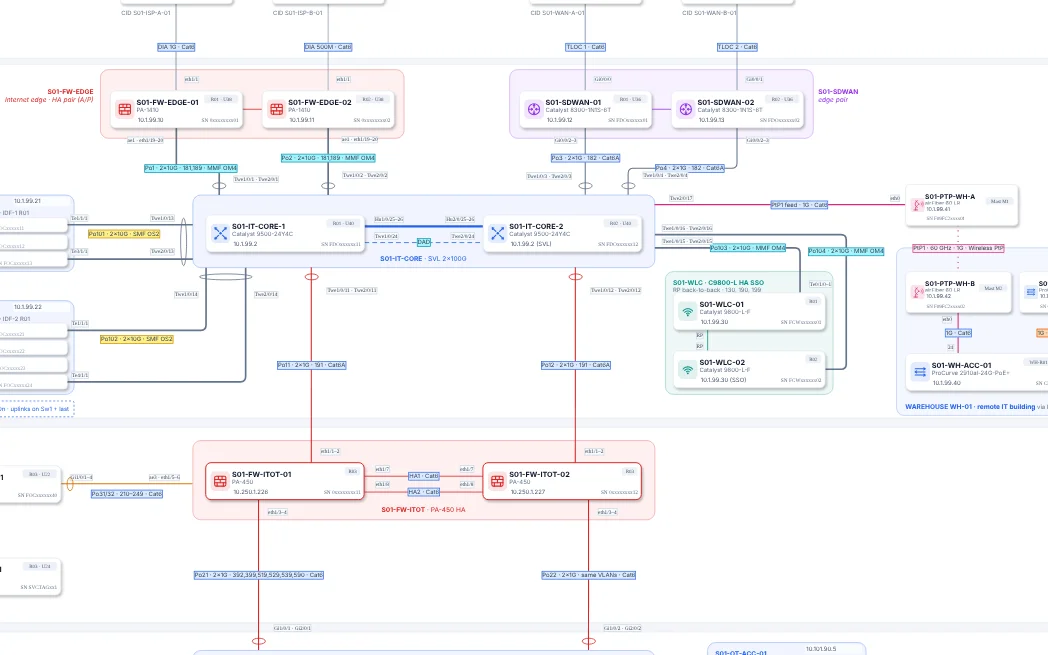
A zoomed piece of the physical page of a sample plant, built from NetBox data.
 1234
1234- 1Device name, model, management IP and serial come from the NetBox device.
- 2Port-channel members, speed, media and trunked VLANs come from NetBox cables and interfaces.
- 3HA pairs and stacks come from NetBox virtual chassis.
- 4The cable label on the drawing is the label in NetBox, which is the label on the real cable.
What it does
How it behaves
- Free NetBox is enoughIt reads the NetBox REST API, so the free open-source edition on your own server works. A read-only API token is all it needs.
- The layout stays exactly as drawnEvery page of the template comes out with the same shapes in the same places. Your site's names replace the template's.
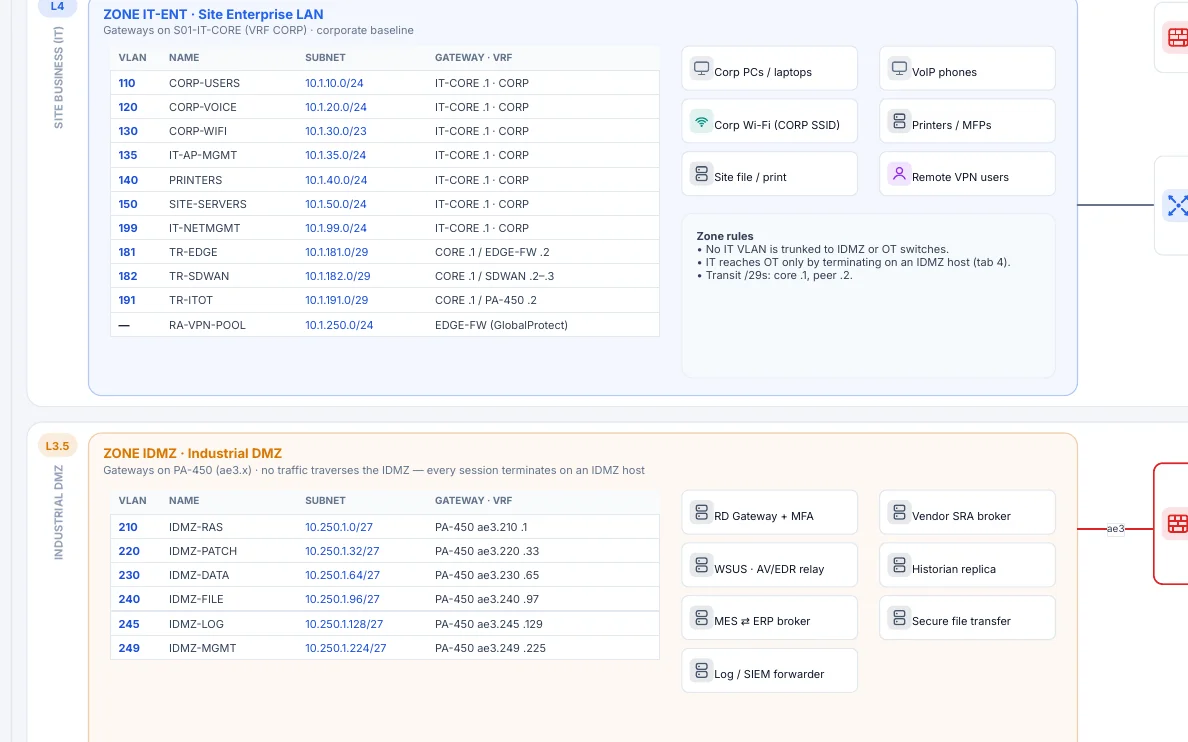
- Everything typed comes from NetBoxDevice fields, management IPs, serials, circuits, asset and link registers, VLAN tables per zone and title blocks.
- Every item links to NetBoxClick a device, cable, VLAN, subnet or circuit in draw.io to open it in your NetBox.
- Missing and extra, handledTemplate devices with no NetBox match are removed. Links missing from NetBox turn dashed. Unplaced devices wait in a tray.
- Differences are reportedA drift report next to the drawing lists what doesn't match, so it doubles as a to-do list.
- It only readsNetDiagrams sends GET requests to NetBox and never changes it. It never connects to your network devices.
The template
11 pages, one per audience
The bundled template is a complete network standard. Every device and cable shape already carries NetBox field names, so filling it is matching, not drawing. Bring your own template with --template.
- Overview
- Logical
- Physical
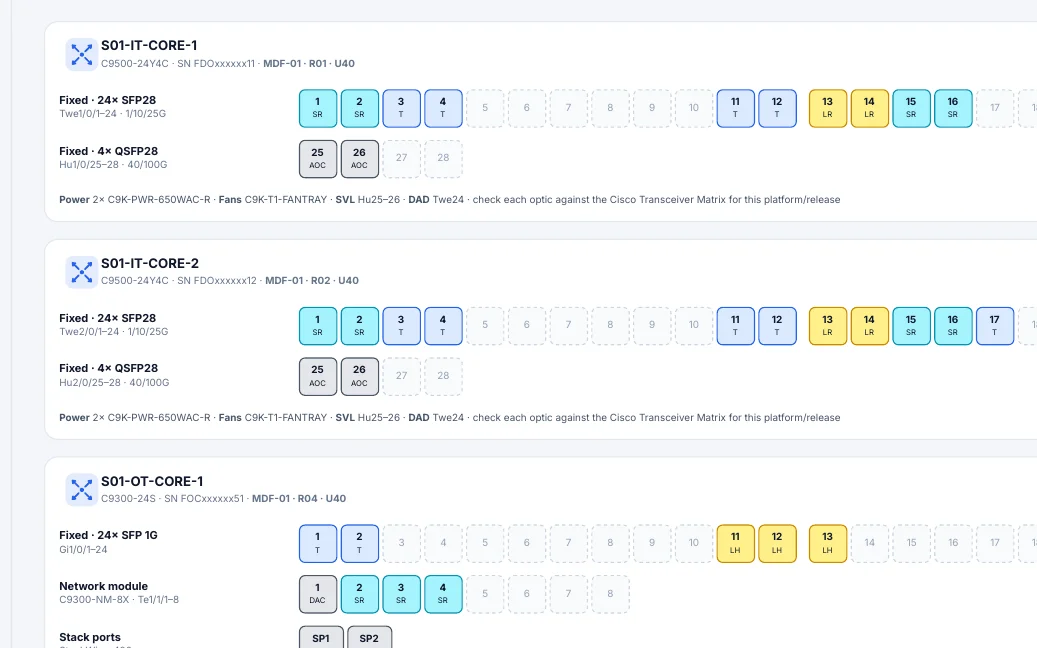
- Hardware and optics
- Platform catalog
- Wireless
- Traffic flows
- Failover
- Multi-site WAN
- Flow register
- NetBox mapping
The book behind the template
The tool fills the pages. The book explains them.
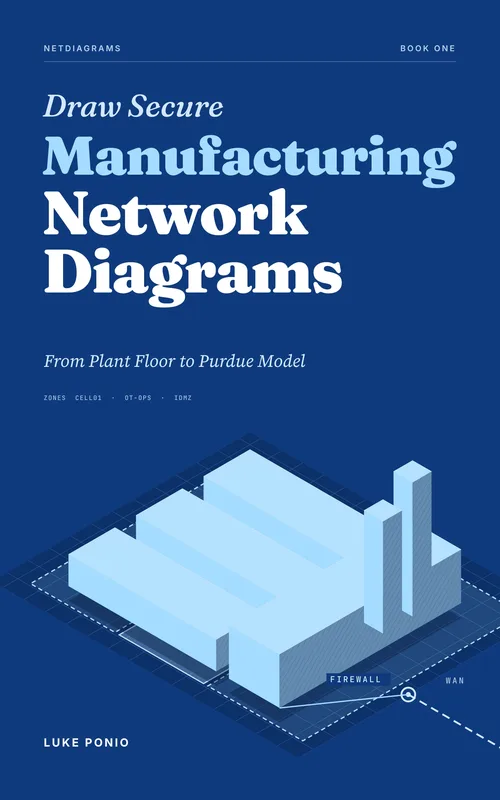
Draw Secure Manufacturing Network Diagrams walks through every sheet the tool draws: what each one is for, who reads it, and the rules that keep it true after the plant changes.
- 1OverviewCh. 2 · The page your plant manager actually reads
- 2LogicalCh. 4 · Zones on paper: the logical page
- 3PhysicalCh. 5 · Cables are data, not decoration
- 3bHardware and opticsCh. 6 · Optics, faceplates and the SFP drawer
- 3dWirelessCh. 8 · Wireless without hand-waving
- 4Traffic flowsCh. 9 · Draw the conversations
- 5FailoverCh. 7 · Rings, pairs and what happens at 3 a.m.
- 6Multi-site WANCh. 11 · More than one site
- 7Flow registerCh. 10 · The flow register: your segmentation in writing
- 8NetBox mappingCh. 12 · NetBox is the source, the drawing is the view
Install
Install and run
In scripts and CI, set NETBOX_URL and NETBOX_TOKEN. Full docs are in the README.
Need your data in NetBox first? Read How to Import a Plant Network into NetBox, free.